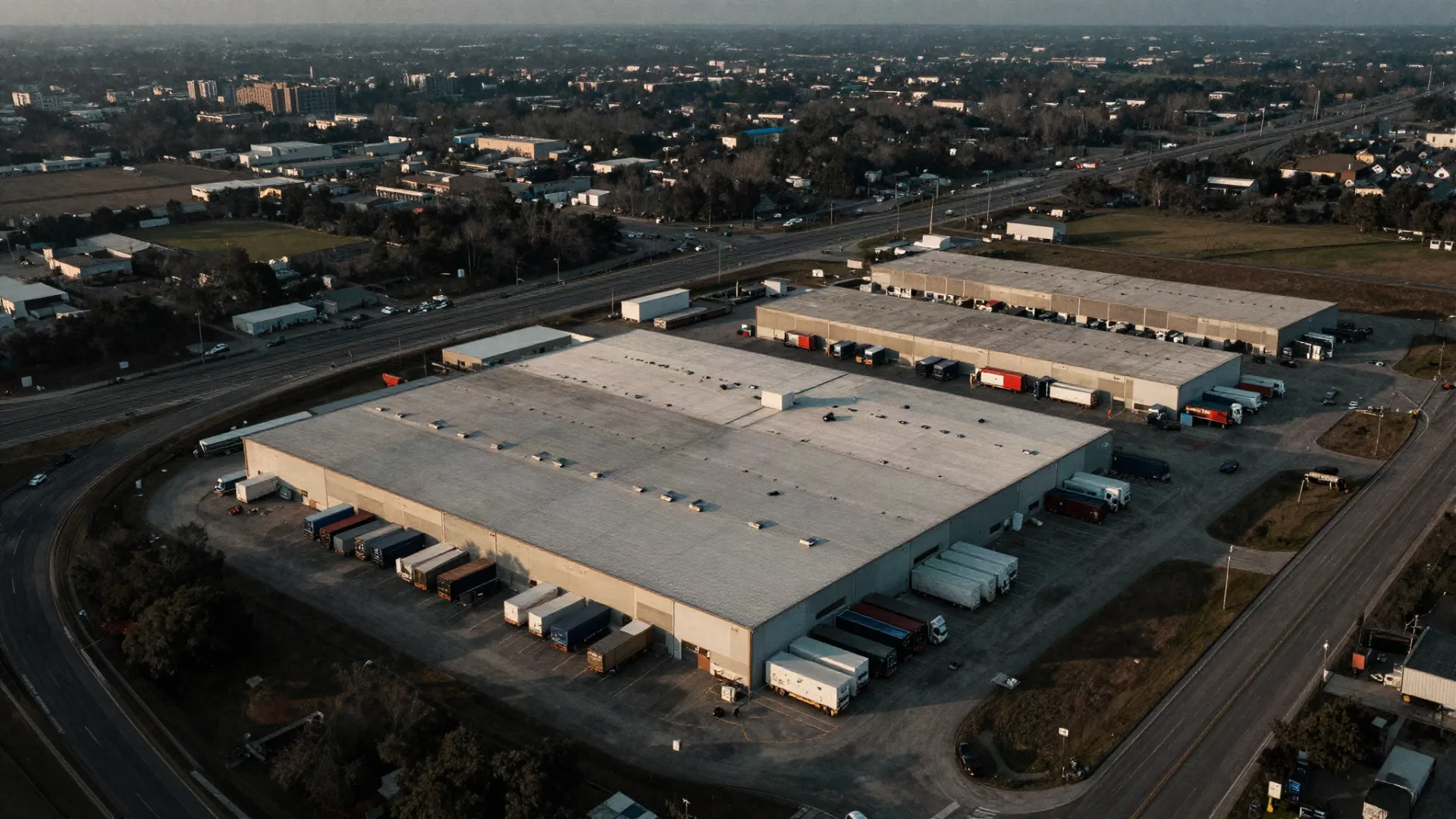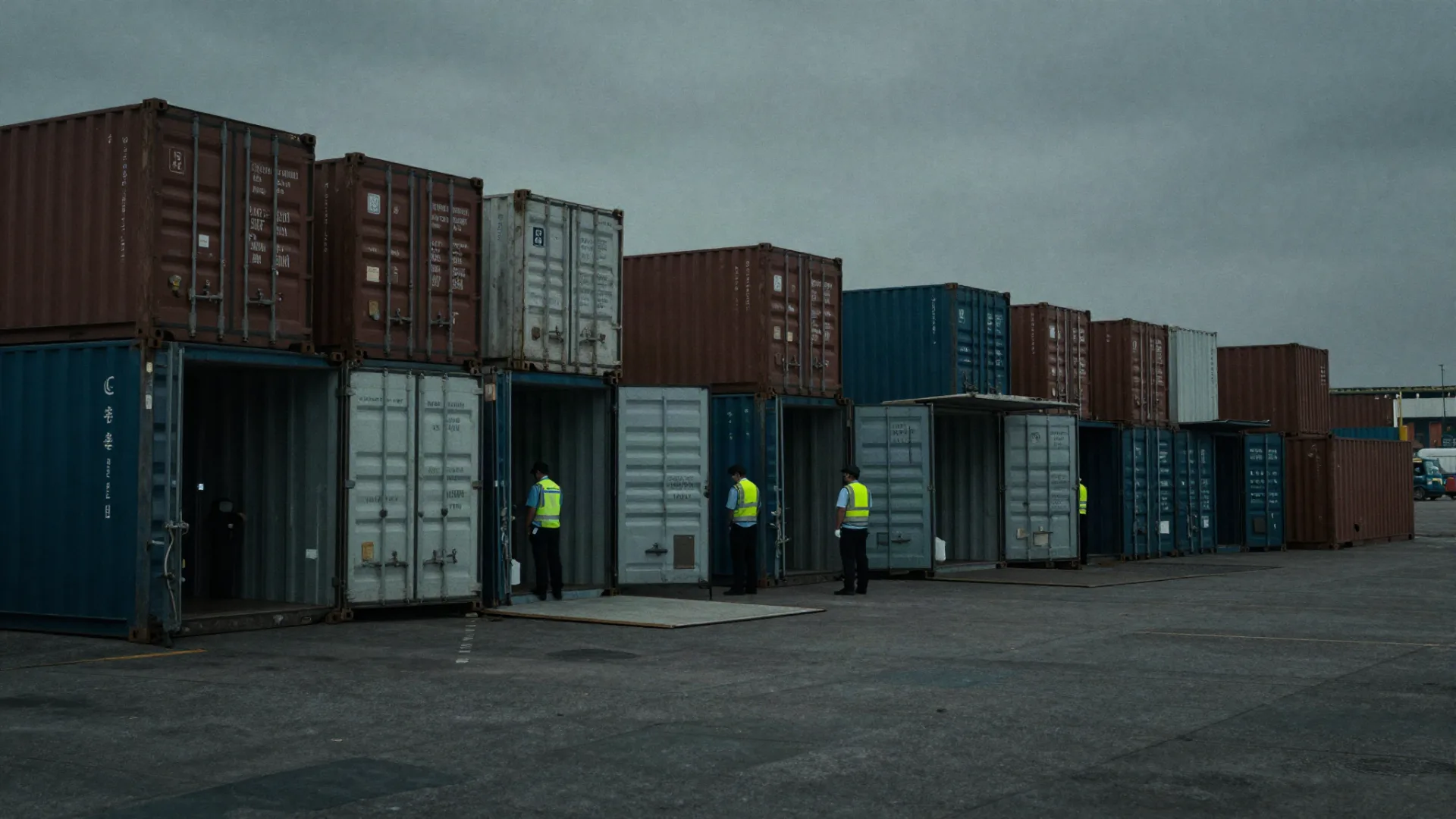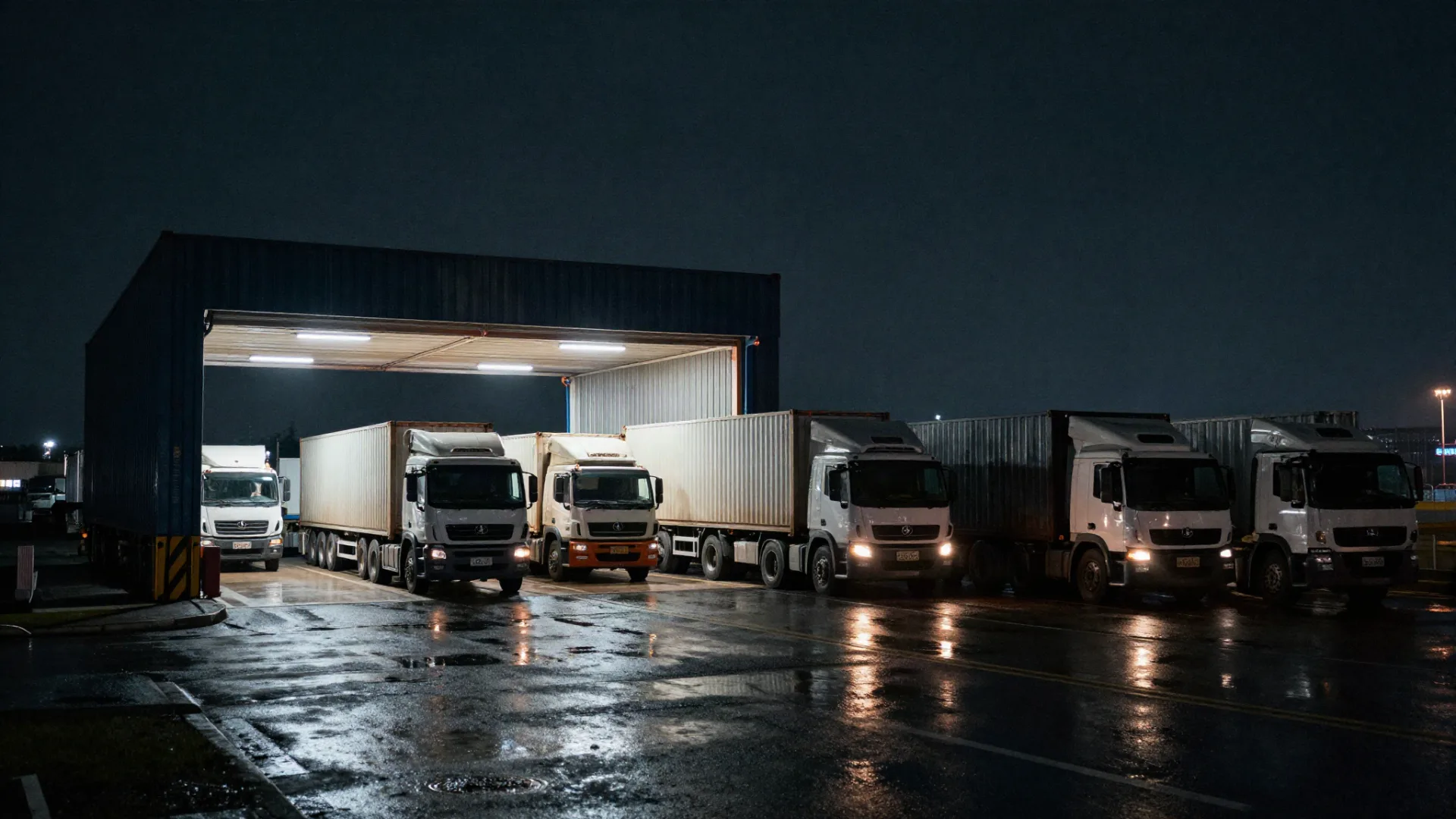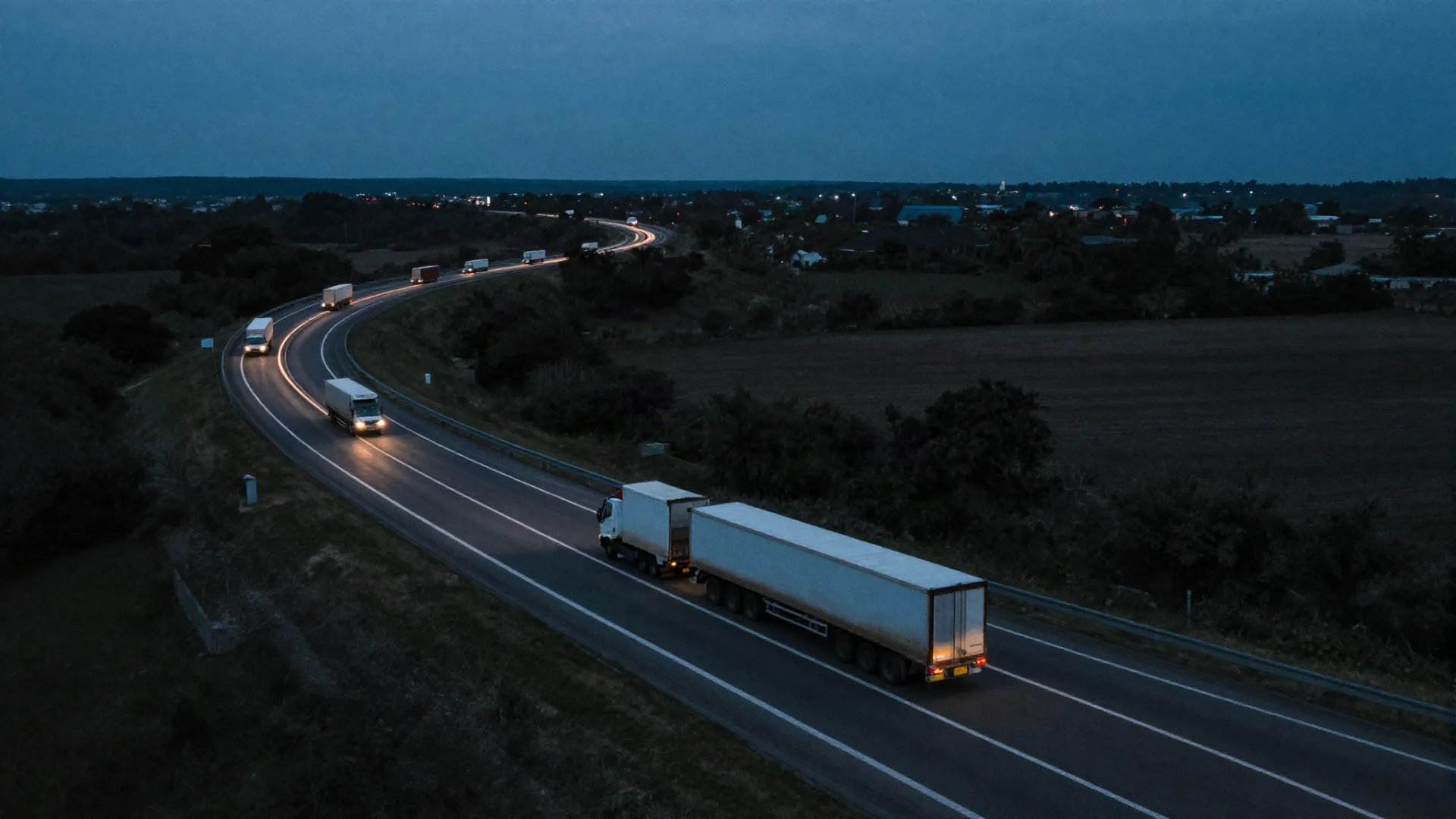

Cargo tracking is the set of methods used to know where a shipment is, what state it’s in, and what should happen to it next, and most tools sold under that name were built for the open road, not the port. GPS pucks and carrier dongles answer “where is my truck on the highway.” Once a container clears customs and sits between forty others behind a terminal, those signals go dark or drift, and the ops team falls back on phone calls and email chasing. This post explains what actually tracks cargo through the handoffs, and why devices stop being the answer there.
What Is Cargo Tracking? A Working Definition
Cargo tracking is the practice of maintaining an accurate, current record of a shipment’s location, status, and assignment across its full journey: over the road, at customs, in the warehouse, and at delivery. It combines transit signals (GPS, carrier feeds) with handoff truth (customs events, live identification, delivery activity) to answer both “where is it?” and “what should happen to it next?”
Most cargo tracking pages online stop at the first half of that definition because they’re selling hardware. Shippers reading this run networks where hundreds of shipments cycle through per day. The question they need answered isn’t which tracker to buy, it’s why the tracker stops helping the moment the cargo is parked at a port.
Why Does Cargo Tracking Break Down at the Port?
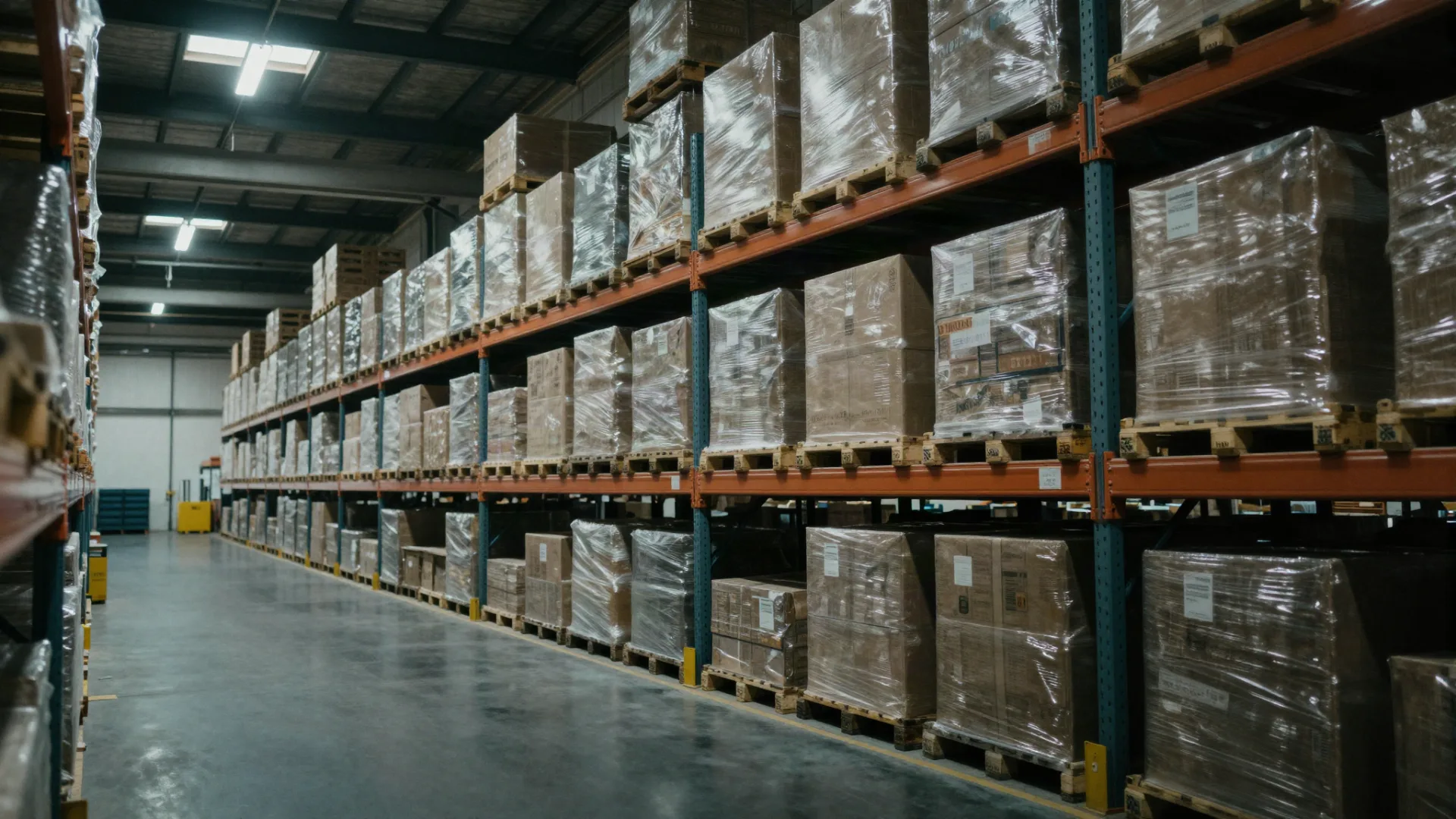
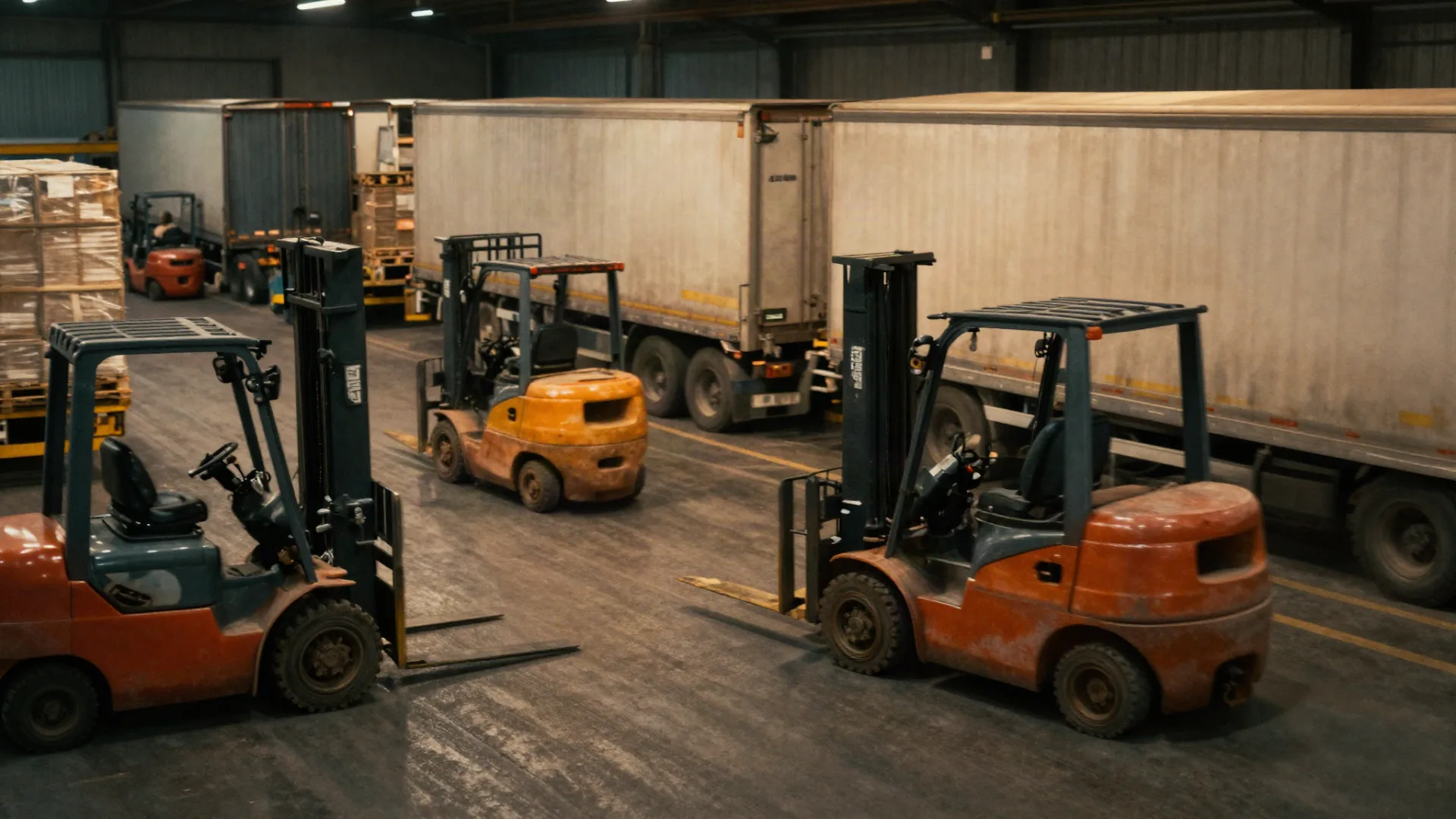
Transit tracking signals lose fidelity at ports because containers stack close together, behind terminals, in metal-heavy environments, and sit stationary for hours or days. Position error that’s tolerable at sea becomes useless when you need to know which of the twenty containers in row G is the one your driver is looking for.
Warehouses (ERP) and highways (TMS) were digitized first because they were easier to instrument. The port is a hybrid, physical, fast-changing environment full of cargo that moves without generating reliable digital footprints. A truck at 65 mph on I-80 produces a clean signal. The same container in stack G-14 produces a dot that could be pointing at any of three stacks, and the driver still can’t find it without a phone call.
What Are Container Tracking Systems Actually Built For?
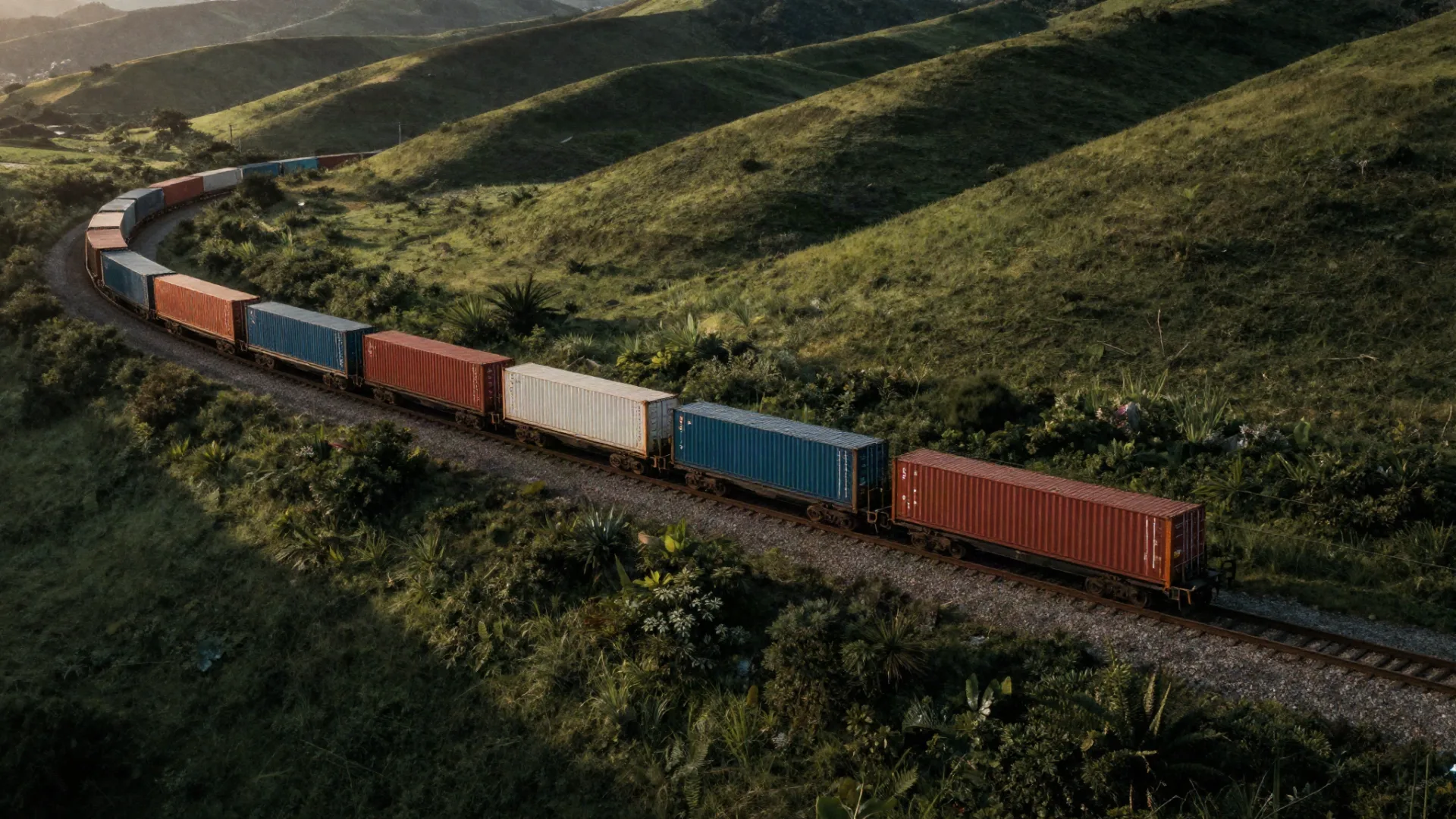
Container tracking systems built around carrier feeds were designed to answer open-water questions: is the vessel moving, where is it on its route, is the reefer holding temperature, when will it arrive. For those questions, they work. They were not designed to answer port questions, such as which stack, which truck, how long has it been sitting, is it cleared or held, is it on the right move.
The port problems that persist, lost or misplaced containers, customs congestion, long driver wait times, excessive demurrage costs, poor carrier utilization, manual booking, don’t get solved by a better dot on a map. They get solved by knowing what is actually happening at each handoff, in real time. Effective cargo tracking is therefore a handoff between two systems, not one system stretched to cover both environments: GPS and carrier feeds handle the transit segment, a port-side system handles arrival through delivery, and the two exchange context at the terminal line. Corvane’s 2026 State of Freight Survey Report covers where shippers say that handoff breaks today.
Segment | Primary Question | Best-Fit Tool | Failure Mode If Misapplied |
|---|---|---|---|
Over-the-road | Where is it, is it on schedule, is the load intact? | GPS / carrier feeds | Fine, this is the design case |
Port arrival | What’s arriving, what’s in the container, where does it go? | Live tracking + customs workflow | Manual booking, paper logs, phone calls |
In-warehouse dwell | Which bay, loaded or empty, how long? | Live tracking on warehouse scanners | GPS drift, container hunt, mis-slots |
Final delivery | Which door, when did it start, when did it finish? | Delivery sensors + live tracking | Whiteboards, spreadsheets, tribal knowledge |
How Do You Track Cargo Through the Port Without Putting a Device on Every Pallet?
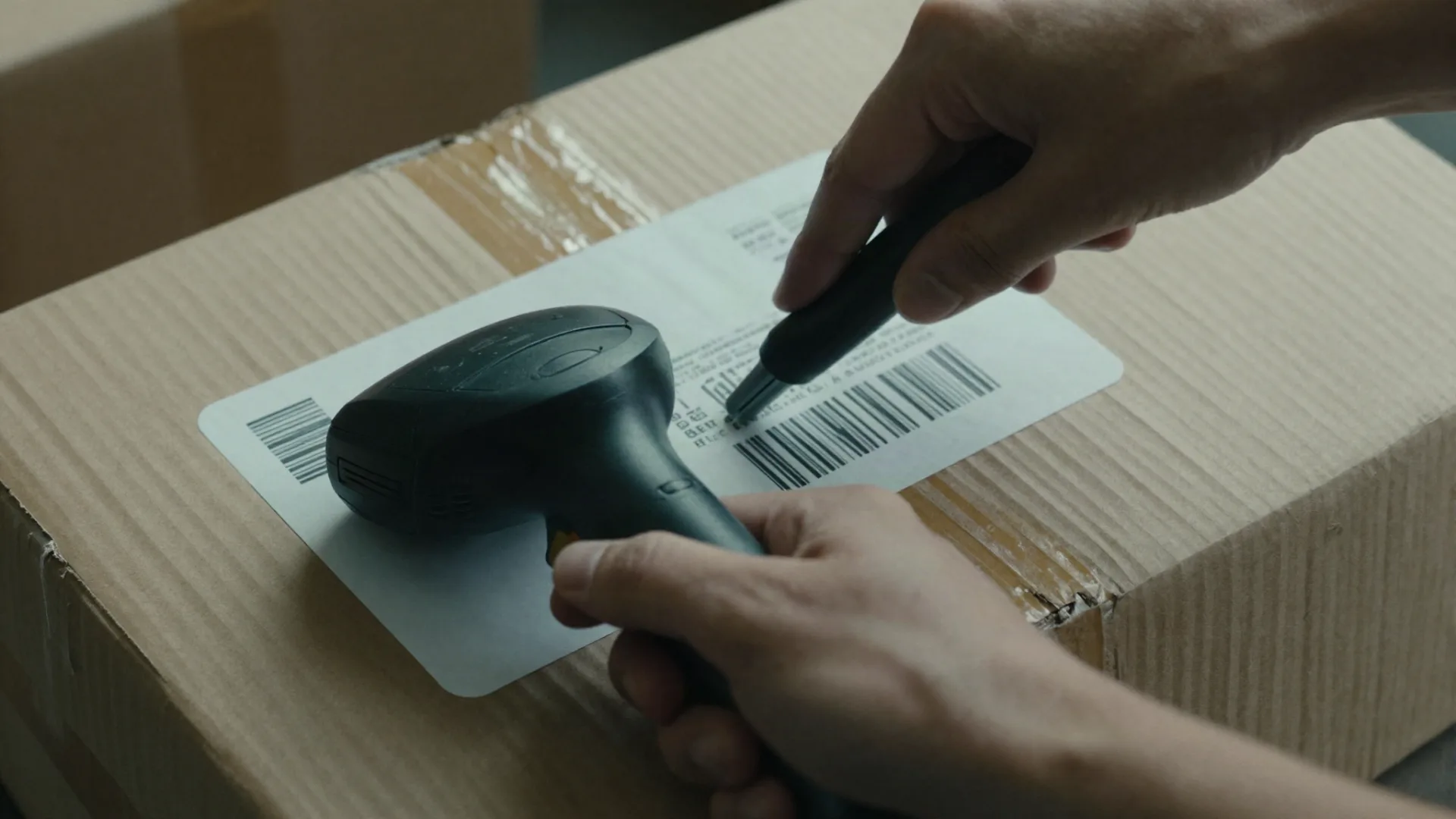
You track cargo through the port by identifying it with live tracking already running at customs, in the warehouse, and at delivery, with no per-pallet device required. Live tracking reads container numbers, bills of lading, seal IDs, and cargo states directly from the data feed and writes those observations into a system of record.
A large shipper moving mixed pools, own fleet, carrier trucks, drop containers, pallets, can’t realistically instrument every asset that touches the network. Third-party carriers won’t be wearing your devices. Tracking on fixed infrastructure sees everything that enters the lane, regardless of who owns it.
What Makes a Cargo Tracking Solution Hardware-Free?
A hardware-free cargo tracking solution uses live tracking on existing systems to identify cargo and confirm activity, eliminating the need to attach a device to every pallet. AI-powered tracking automatically identifies containers, bills of lading, equipment, pallets, and freight activity.
The operational value is verification: live tracking confirms what is actually happening at a location, not just where a device says something is. That distinction matters when you’re paying demurrage on a container a driver swears left two hours ago, or when your report says row G is full but stack G-9 has been empty since third shift.
What Should Cargo Tracking Software Do at the Handoff?
Cargo tracking software, once the cargo is at a handoff, needs to do four things: identify the shipment without a device on it, place it in an exact location, tie it to the work that needs to happen to it, and trigger the next action automatically. A map view alone is a report, not a system.
A Control Tower is a software platform that manages, orchestrates, and automates all activities taking place across a freight network. Tracking is the observation layer; orchestration turns observation into on-time delivery. A Mission™ is a trigger-driven workflow that converts a real-world event into a managed, trackable, step-by-step operational process. When tracking confirms a container has arrived at stack G-14, that observation becomes the trigger: truck dispatched, driver notified, delivery booked, without a phone call. That’s what separates modern freight forwarding software from a location dashboard.
Why Is Shipment Visibility the Missing Layer?
Shipment visibility is the missing layer between transit tracking and warehouse operations. A Control Tower provides real-time visibility into cargo locations, customs activity, driver arrivals and departures, inventory in transit, delivery bookings, cargo movements, equipment utilization, and operational workflows, the full set of signals transit-only tracking cannot see.
A typical freight network manages hundreds of shipment moves per day, dozens of delivery slots, and thousands of customs transactions per month, and manual operations still coordinate all of that with paper logs, spreadsheets, whiteboards, phone calls, and tribal knowledge. For multi-country shippers the compounding effect across lanes is the point, see real-time cargo visibility across multi-country freight operations for the network view.
The category distinction is worth stating exactly: a forwarder helps shippers understand what is happening. A Control Tower helps shippers manage, automate, and optimize what happens next. Traditional forwarders primarily focus on booking cargo and managing shipment records. A Control Tower acts on the observation.
Why Does Container Pool Management Depend on Port-Side Truth?
Container pool management depends on knowing which containers are actually available, actually empty, and actually where the system says they are, none of which transit pings confirm. Pool imbalance, phantom availability, and demurrage leakage all start with bad port-side data.
If your pool report says fourteen empties are available at a depot and the physical count finds nine, the difference is what you pay for in expedites, missed loads, and demurrage. Early Missions™ deployments demonstrate 50% improvement in data accuracy and up to 2× increases in on-time delivery; pool health is one of the first operational areas that improvement shows up in.
How Should You Evaluate Cargo Tracking Companies for Port Operations?
When evaluating cargo tracking companies for port operations, look past the map view. Four questions matter: does it work without a device on every pallet, does it identify third-party cargo, does it integrate with your existing ERP and TMS, and does it trigger work, not just report status.
A Control Tower does not replace existing ERP or TMS, it connects them. An Enterprise Resource Planning system manages inventory. A Transportation Management System manages freight movement. A Control Tower manages everything that happens in between. That “in between” is the segment transit-focused vendors have historically ignored: over $50B worth of goods move through North America’s 50,000+ warehouses and factories every day, and the handoff is the bottleneck between the two digitized ends. A practical starting point is auditing how often your system of record matches what’s actually on the pallet.
For independent grounding on freight and delay costs, the Bureau of Transportation Statistics and FMCSA publish public data.
Where Does GPS End and a Control Tower Begin?
Carrier feeds and GPS end at the port. A freight automation platform that closes the port-to-door execution gap begins the moment the cargo is cleared. The two are complementary, one for the road, one for the handoff, exchanging context at the transition.
If your team spends its day searching for containers the tracking map says are “here somewhere,” the tool isn’t broken. It’s being asked to do a job it was never designed for. The fix is not a better device on the container. It’s a system of record that watches the freight directly and turns what it sees into the next move.
Next read: Corvane’s AI-native Control Tower.
FAQ
What happens to cargo visibility the moment a shipment reaches the port?
Transit signal fidelity drops because containers are stacked close together, in metal-heavy environments, and often stationary for long periods. The port is the point where the tracking question shifts from “where on the map” to “which stack, which state, what’s next.” Without a port-side system, that question gets answered by phone calls and email chains.
What operational problems does port-side cargo tracking actually solve?
Container hunt, dwell, demurrage exposure, mis-slots, customs congestion, and manual booking, the freight problems that persist as long as operations run on paper logs, spreadsheets, whiteboards, and tribal knowledge.
How does cargo tracking connect to customs, delivery, and dispatch workflows?
Through triggered workflows. When tracking confirms an arrival, departure, or stack change, that observation triggers the next step, such as customs release, driver dispatch, or delivery booking, as a managed process rather than a phone call. In Corvane’s Control Tower, a Mission™ is a trigger-driven workflow that converts a real-world event into a managed, trackable, step-by-step operational process.
Do I need to replace my existing ERP or TMS to add cargo tracking?
No. A Control Tower does not replace existing ERP or TMS, it connects them. The warehouse system continues to manage inventory, the transportation system continues to manage freight movement, and the Control Tower fills the gap between them.
Is GPS tracking still useful if I add live tracking at the port?
Yes. GPS and carrier feeds remain the right tools for over-the-road questions. Live tracking handles the port segment where those signals lose fidelity. The two work as a handoff, not a replacement.
Where can I find buyer-side data on the state of freight operations?
Corvane’s 2026 State of Freight Survey Report covers shipper perspectives on shipment visibility, execution, and technology adoption.